Make your monogram
Type one, two, or three initials, pick a layout and a style, and your monogram builds live on the right. Print it or download a PNG: free, no sign-up.
Runs entirely in your browser: nothing is uploaded. Download PDF keeps a copy you can print any time.
How to make a printable monogram
A monogram turns your initials into a small piece of lettering you can print, frame, or add to a card, gift tag, or label. Type up to three initials, choose a layout and a style, and the preview updates as you go, then print it or download a PNG.
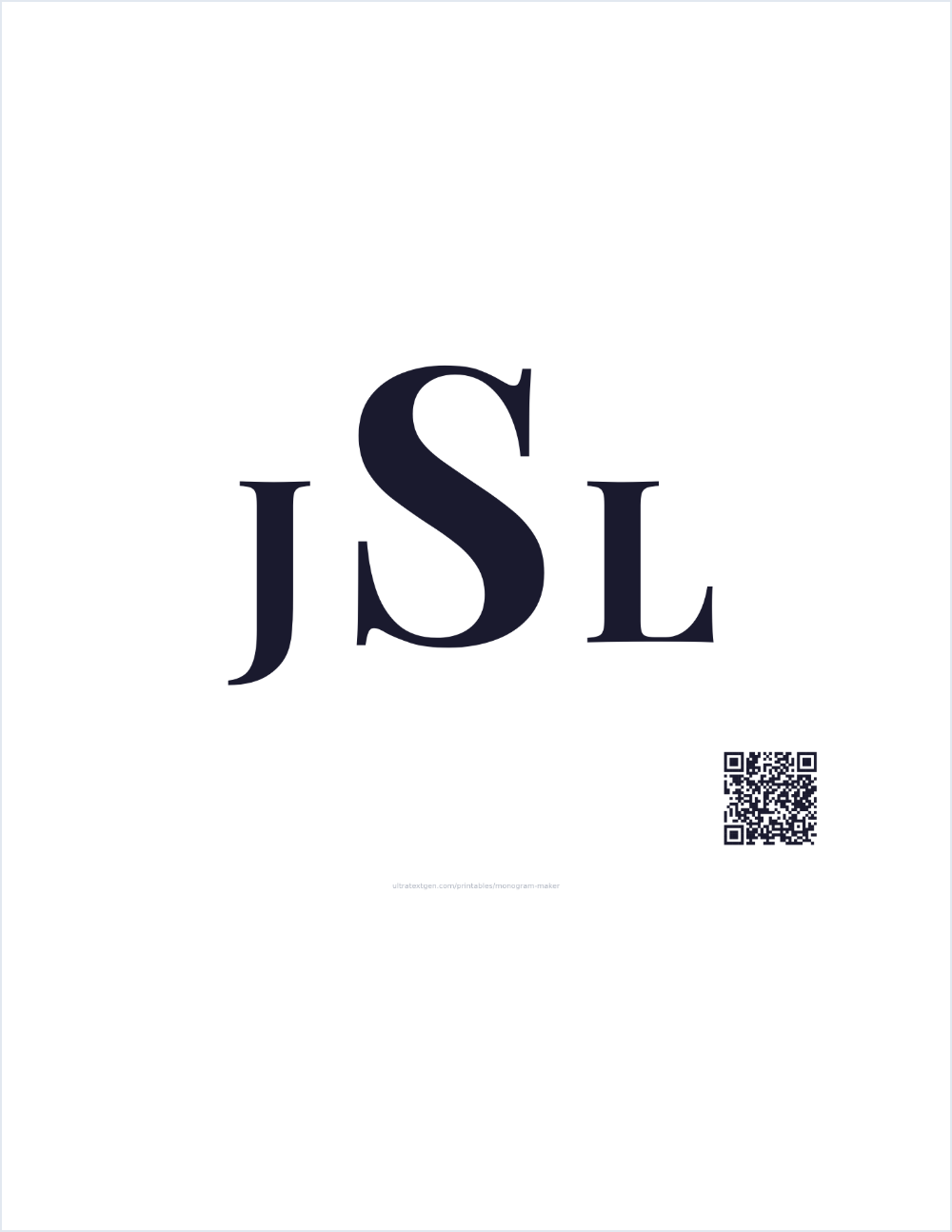
The three layouts each suit a different job. Classic three-letter, a large center initial flanked by two smaller ones, is the traditional monogram for weddings, stationery, and engraved gifts; by convention the center letter is the last-name initial. Stacked keeps every initial the same size in a tight vertical column, which stays legible when the mark is small, so it works well for stickers, labels, and name badges. Circle frame sets the initials inside a double ring for a stamp, seal, or badge look.
Pick Solid for a crisp, filled monogram that reads cleanly at any size, or Outline for open, white-filled letters with a dark edge: the same traceable, colorable look as the rest of the printables, handy if you want to color the monogram in or trace it.
Want a whole name in a flowing hand instead of just initials? The cursive name worksheet prints any name in joined cursive, and the cursive text generator turns it into copy-paste script. For handwriting practice, try the name tracing worksheets.