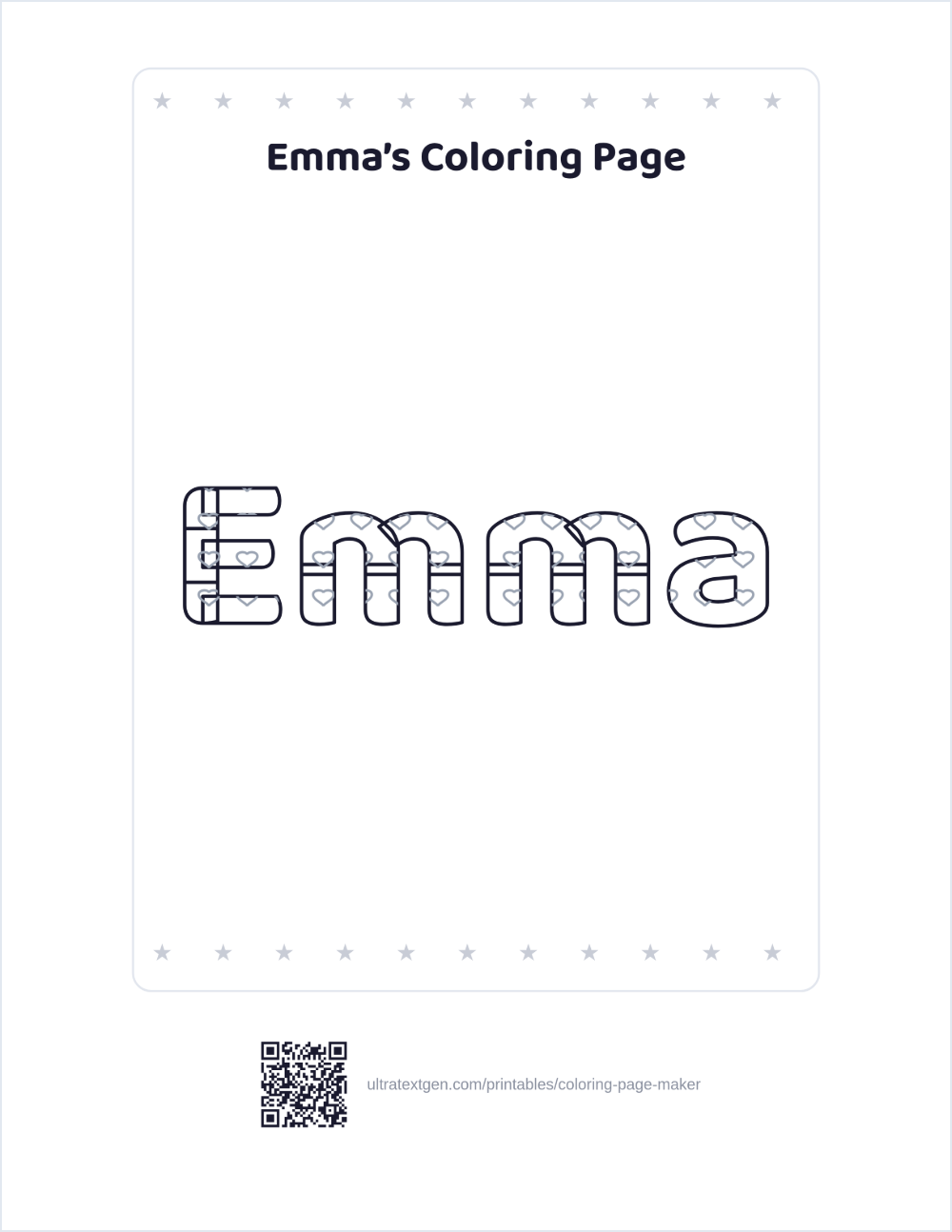
Turn a name or a word into a big coloring page to print at home or for a whole class.
Free, no sign-up, and nothing leaves your browser.
Make your own coloring page
Live previewAutomatic · Portrait · Normal
Runs entirely in your browser, and nothing is uploaded. Choosing a paper size or orientation above changes what prints, and the line under "Live preview" always names the paper you picked.
Up to two lines. The longer line sets the letter size, so a short word prints bigger: at seven letters the inside of a letter is about 7 mm wide, which a crayon fits, and by fourteen it is closer to 3 mm, which suits a pencil.
Letter fill
Patterned fills need eight letters or fewer. Each pattern tile is about 8 mm and the tile does not shrink with the letter, so on a longer word you get pieces of hearts rather than hearts.
Border
More: a heading and a name and date line
About 26 characters fit across the top of the sheet.
Who is this for?
Up to 60 names, one per line. The preview shows the first child’s sheet so you can check it before printing thirty. If you wrote a heading, each sheet gets that child’s name in it: type {name} where the name should go, or just write one child’s name and it is swapped per sheet.
What you can make
Name pages A child's name as a big outline for a classroom name tag, cubby label, or first-day welcome sheet.
Word pages Words like LOVE, SUMMER, or a spelling word, for themes, holidays and word practice.
Two lines Put a second line on its own row for sheets like “Happy Birthday” over “Emma”. Both lines render big.
Class sets Switch to Whole class, paste a class list, and print one personalized sheet per child. The whole set saves as a single PDF.
Multi-color Fill the letters with polka dots, stripes, hearts or stars so a child colors many small regions: fine-motor practice rather than one flat shape.
Ready to hand out Add a heading and a name and date line so the sheet is finished for a class set, with no editing app needed.
Prefer copy-paste letters instead of a coloring page?
This maker is for paper. If you want stylish letters to paste into a bio or caption, use the
font generators. For a ready-made sheet for one letter, see
alphabet coloring pages, and for a numbered
connect-the-dots of a name use the
dot-to-dot name generator.
The method behind this: coloring inside many small regions builds the pencil control that comes before letters. See
When to Start Handwriting for readiness signs, and
From Tracing to Writing for what comes after the coloring stage.
Coloring Page Maker FAQ
Type a name or word into the box and the sheet builds in your browser as you type. Pick an interior fill and a border, open More for a heading or a name and date line, then press Save as PDF or Download PNG. There is no sign-up, watermark, or limit.
Yes, that is what the maker is for. Type a first name, a word like LOVE or SUMMER, or a short phrase, and it becomes a large outline to color. Names and words suit classroom name pages, birthday sheets, and welcome signs.
Yes. Choose an interior fill of polka dots, stripes, hearts or stars and the inside of each letter fills with small shapes to color one by one, which turns a single letter into a multi-color, fine-motor activity. Patterned fills need eight letters or fewer: the pattern tile is about 8 mm and it does not shrink with the letter, so on a longer word you would get pieces of hearts rather than hearts. Choose Plain for a simple open letter to color freely.
Up to fourteen characters on a line, and shorter prints better. The letters are sized to fill the page, so at seven characters the inside of a letter is about 7 mm across, which a crayon tip fits, while at fourteen it is nearer 3 mm, which suits a colored pencil. The counter beside the box shows where you are.
Yes, on its own page. The dot-to-dot name generator turns a name into a numbered connect-the-dots with a difficulty setting, and the dot-to-dot alphabet has a ready-made puzzle for every letter A to Z with no typing required. This page stays on coloring outlines so each tool does one job well.
Yes. Type the second line on its own row in the same box, for example “Happy Birthday” on the first row and “Emma” on the second. Both lines render as large colorable outlines stacked on one sheet, and the longer line is what sets the letter size.
Yes. Switch Who is this for? to Whole class, paste your class list with one name per line (up to 60 names), and the sheet builds one page per child using the fill and border you picked. If you added a heading, each child’s name goes into it: write {name} where the name belongs, or type one child’s name and it is swapped per sheet. Save as PDF keeps the whole set as a single file.
Completely free, with no sign-up, no account, and no watermark. Everything is generated in your browser and nothing is uploaded. Make as many coloring pages as you like.
No. Unlike a general design app, you do not place letters or hunt for a template: you type a word and the finished sheet appears, ready to print. It runs in any browser on phone, tablet, or computer, with no install and no login.