Make your name labels
Leave a line empty to skip it. End a line with a colon, like Date:, to get a blank to write on.
Each day's labels print together with that day's date, so a week of bottles takes one sheet. Bottle, rim and lid is 3 a day.
Labels for a whole class or several kids
Each name's labels print together, so you can cut one strip per child.
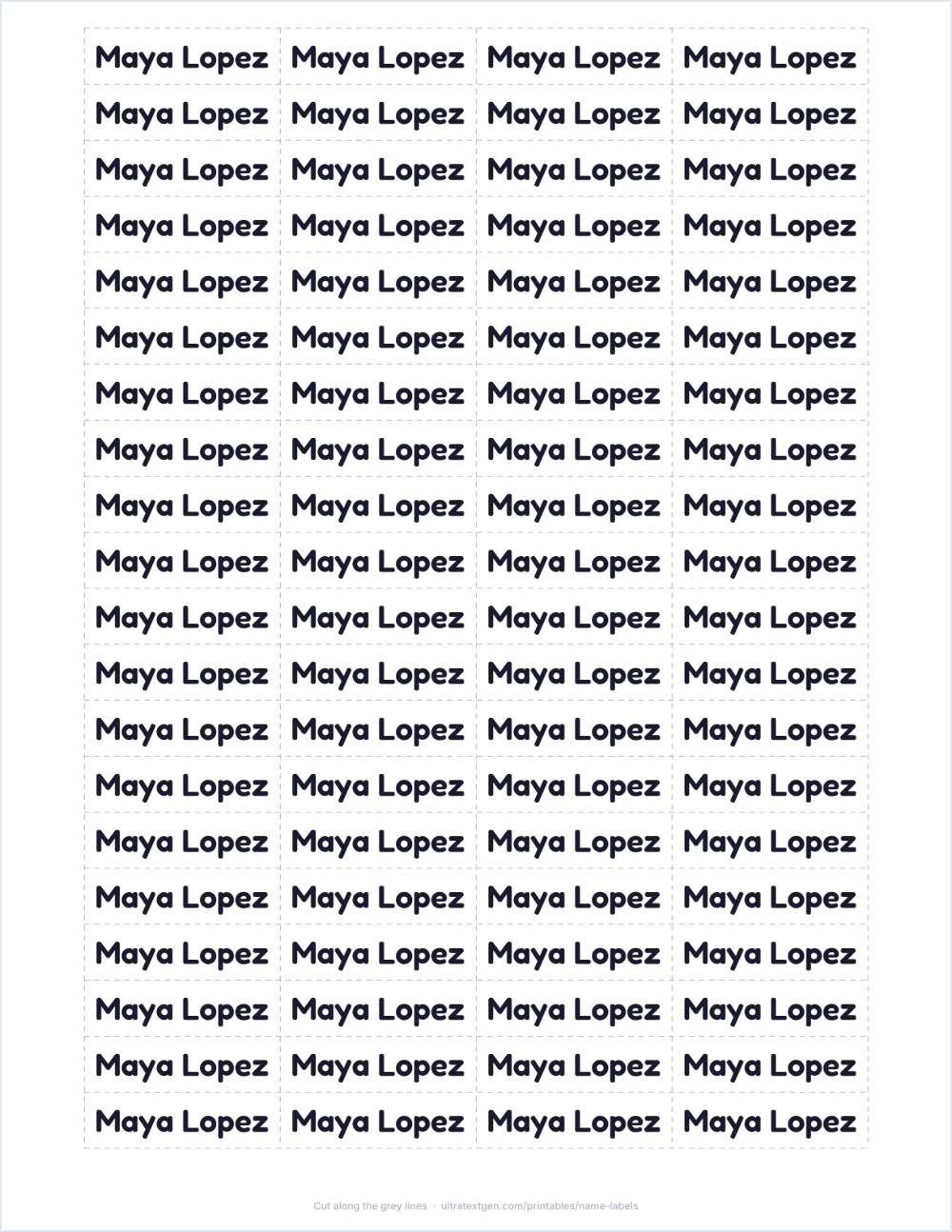
Print at 100% (Actual size). Fit to page moves every label off its spot.
Runs in your browser. Names are never uploaded.
Which label size fits what
Pick what you're labeling at the top and the size is set for you. These are the sizes behind each choice, so a sheet you print on plain paper today matches a box of labels you buy later.
| Labeling | Label size |
|---|---|
| Pencils, crayons, glue sticks | 1.75 × 0.5 in (Avery 5167) |
| Books, bottles, lunch boxes | 2.63 × 1 in (Avery 5160) |
| Cubbies, bins, folders | 4 × 2 in (Avery 5163) |
| A4 sheets | Avery L7651, L7160, L7163 |
Dated labels for daycare bottles
Many daycares want the child's full name, the date and the contents on every bottle, rim and lid, every day. Type the name once, choose Bottles & lunch, and use A label for each day to print a week of dated labels on one sheet. Labels that come off each night can be plain paper; for a bottle that goes through the dishwasher, see below.
Getting labels to line up on a label sheet
Choose your sheet's number under Printing on and every label is placed on that sheet's own grid. The PDF asks your printer for actual size, because "fit to page" shrinks the sheet and walks each row a little further off.
Printers still feed paper a millimeter or two off. Print the Alignment test on plain paper, hold it against a label sheet up to a window, and if the boxes sit off, shift them under More options before you use a real sheet.
Which paper lasts
A paper label printed on an inkjet does not survive a dishwasher or a washing machine, and inkjet ink runs with condensation. Laser prints and waterproof vinyl sticker paper last longer, and clear packing tape over a paper label is what daycare staff use on bottles washed twice a day. For clothes, a laundry marker or iron-on labels last through washing; paper does not.
Your names stay saved on this device, so when a label wears off, the replacement sheet is one tap on Download PDF.
Labels for a whole class
Open Labels for a whole class or several kids, paste your class list one name per line, and set how many labels each child gets. Each child's labels print together, so you cut one strip per child instead of sorting a sheet. The list stays on your device for next term; nothing is uploaded.