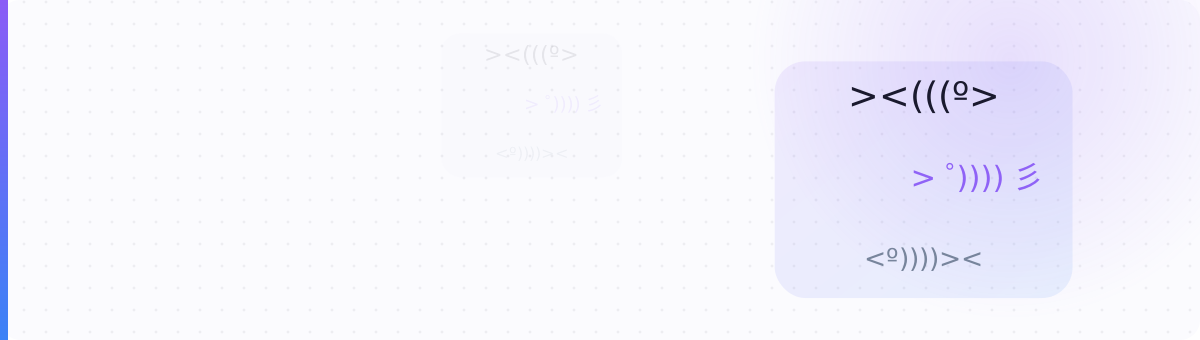
Fish drawn in text, from the three-key ><> to Japanese fish with a splashing tail. Click any fish to copy it.
A fish kaomoji draws the fish side-on, so the direction matters: ><> swims right and <>< swims left. The > is the tail fin, the brackets ((( are scales, and º or ゜ is the eye. Japanese fish add 彡, a character that reads as a splash of water behind the tail. Every fish here is plain text, so it pastes into a caption, bio, comment or chat, and the longer ones make a divider between paragraphs. For fish as pictures rather than text, the 🐟 🐠 🐡 emoji are on the animal emoji page linked below.
The fish people type from memory. <>< is also the plain-text form of the Christian fish symbol.
The tail ends in 彡, so the fish looks like it is darting away through the water.
The # marks are ribs, so these read as a fish that has been eaten.
Longer pieces with more than one fish or a trail of water. Each button copies the whole line.
Fish signs from the Egyptian hieroglyph block, popular in aesthetic bios and ocean captions. A device without a font for this block shows a box in their place.
It is a fish swimming to the right: > is the tail, < is the head. Written the other way round as <><, it is also the plain-text version of the Christian fish symbol, which is why it shows up in bios.
彡 is a Chinese character made of three slanted strokes. Japanese kaomoji use it for motion or splashing, so >゜))))彡 is a fish darting through water.
The reader's device has no font for the Egyptian hieroglyph block. The text fish like ><(((º> use only basic punctuation, so they display everywhere.
The UltraTextGen kaomoji generator filters the parts by mood, then lets you swap the outline, eyes and mouth and add cheeks or arms, keeping the left and right sides matched. Every part is plain Unicode text, so the face pastes wherever you are typing.
Open the kaomoji generator →