Two Camps, Both Half-Right
This topic is unusually heated, and both sides have a point.
Accessibility advocates are right that styled Unicode is genuinely exclusionary. As one widely-shared post put it, "it's not formatting — it's a lie." To a screen reader, faux-bold can be unreadable or silent.
Everyday users are also right that platforms like LinkedIn, Instagram and TikTok give them no native way to emphasize a word. Telling them "just never style anything" ignores why they reached for the trick in the first place.
So the useful question isn't "is it bad?", it's "how do I get the visual benefit without leaving anyone behind?" That's a harm-reduction question, and it has a clear answer.
What a Screen Reader Hears
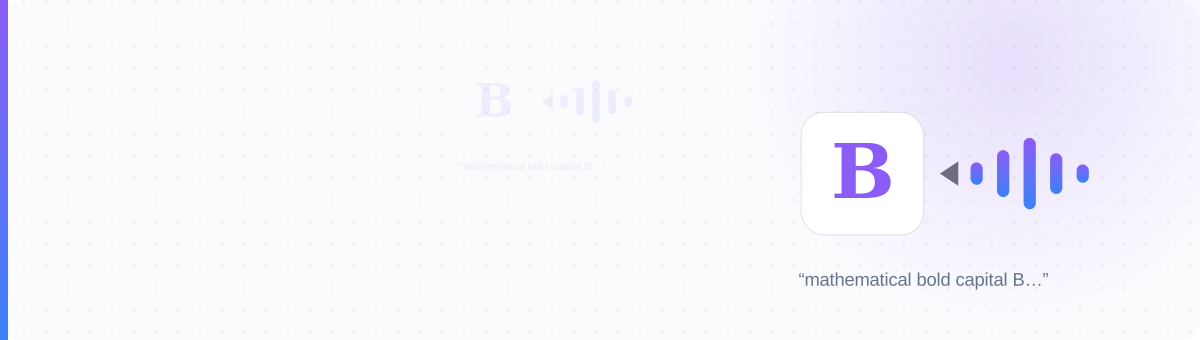
A normal "B" is the character U+0042. A "bold" 𝗕 from a generator is a completely different character, U+1D5D5, named Mathematical Sans-Serif Bold Capital B. Screen readers read it by that name. So a styled greeting doesn't sound emphasized. It sounds like a spec sheet:
A screen reader says: "mathematical bold capital H, mathematical bold small e, mathematical bold small l, mathematical bold small l, mathematical bold small o."
With some decorative and combining-mark styles, it's worse: the reader announces nothing at all. The styled text becomes silence. And the stakes can flip a message's meaning: a warning rendered in a style the reader skips can turn "do not" into nothing, leaving only the part that says the opposite.
It's not only blind users. Dyslexic readers struggle with decorative and irregular letterforms, and on many devices the same characters render as boxes anyway, so over-styling fails sighted users too.
Styling Has Three Hidden Costs
Styled letters are read as Unicode names or skipped, unintelligible or silent for blind users.
Platform search and hashtags index plain characters only. A styled name or keyword is invisible to search, including your own name.
Risky styles turn to tofu boxes on older devices: the styling drops and the meaning can go with it.
All three share one root cause: it isn't real text. It's Unicode characters standing in for letters, which is exactly why screen readers, search engines and older fonts all stumble on it.
The Plain-Core Rule
One principle resolves the whole debate:
Test: if you deleted every styled character, your message should still make complete sense.
If a bio or post already breaks that rule, you do not have to retype it: paste it into the character counter and run Convert fancy text to plain, which converts styled Unicode letters back to ordinary ones so assistive technology reads them normally.
"Load-bearing" means anything a reader needs in order to understand or act:
| Keep plain (load-bearing) | Style is OK (decoration) |
|---|---|
| Your name & handle | One emphasized display word |
| Links, prices, dates, contact info | A header or section accent |
| Calls to action ("DM to order") | A divider or flourish |
| Keywords you want found in search | A single hook word in a post |
| Body text and full sentences | — |
This is also just good design. Emphasis only works when it's rare: when every word is styled, nothing stands out. The accessible choice and the effective choice are the same choice.
An Inaccessible Bio vs a Plain-Core Bio
The first version reads to a screen reader as a wall of "mathematical script" names and is invisible in search, including the user's own name. The second styles one accent word and leaves the name, the role keyword and the call to action fully readable, searchable, and screen-reader friendly.
Hear Your Own Bio in 60 Seconds
iPhone
Settings → Accessibility → VoiceOver → on. Swipe to your bio and listen.
Android
Settings → Accessibility → TalkBack → on. Navigate to your bio and listen.
What to listen for
"Mathematical bold capital…" or sudden silence = inaccessible. Plain words and emoji read normally.
Style the decoration. Keep the meaning plain. Nobody gets left behind.
Style the accent, keep the core plain
Use a generator the way it works best: one emphasized word, plain everywhere else. Type it, copy it, and keep your bio readable for everyone.
Try the Bio Styler →